
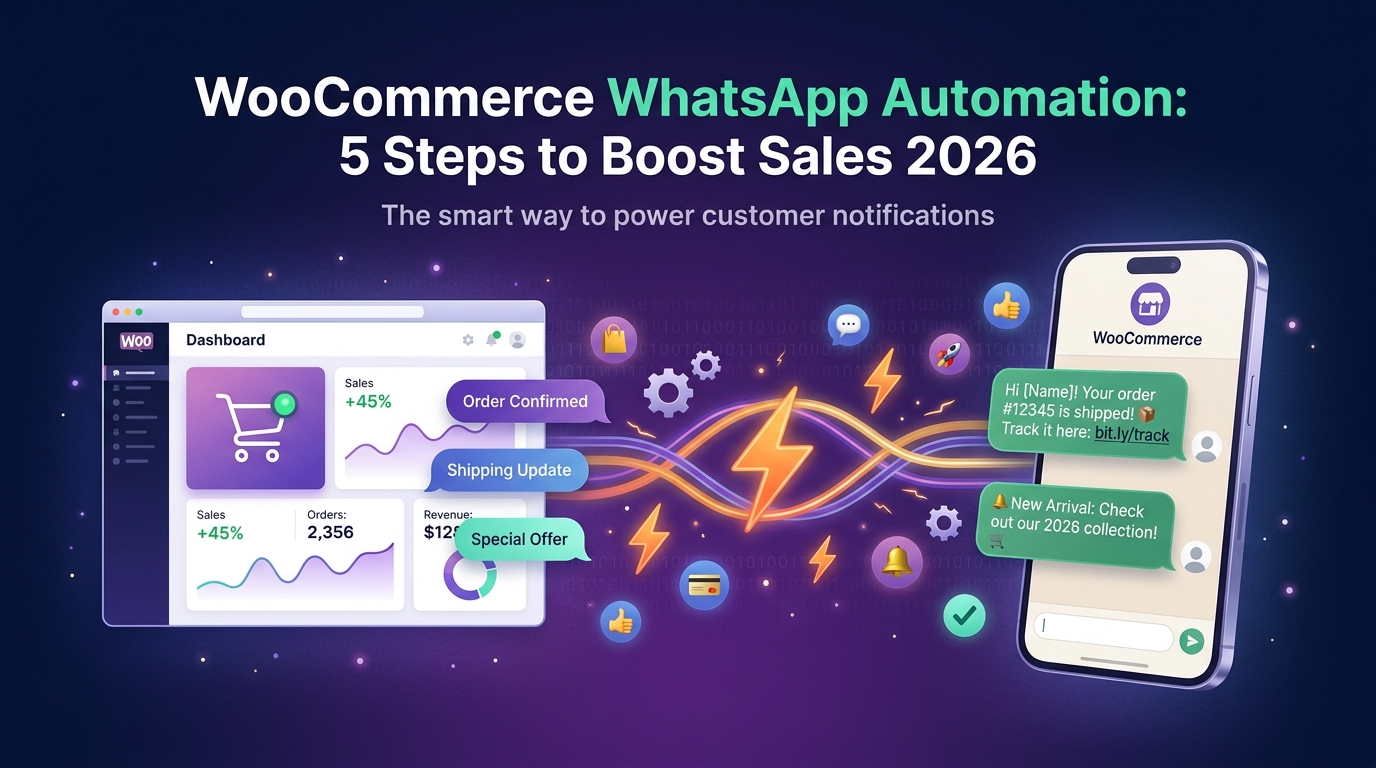
Have you ever wondered how many sales you lose daily due to abandoned shopping carts, or delayed order updates reaching your customers? In the fast-paced world of e-commerce, where customers expect instant responses and a seamless shopping experience, merely having a WooCommerce store is no longer enough. The solution lies in WooCommerce WhatsApp automation, a transformative strategy that can boost your sales and deepen customer loyalty in ways you never imagined.
Imagine every customer who abandons their cart receiving a friendly and encouraging reminder via WhatsApp, or every new order being confirmed with an automated message containing all the details. This isn't a dream; it's a reality you can achieve by connecting your WooCommerce store to the WhatsApp Business API platform. In this guide, we'll walk you through 5 practical steps to increase your sales and improve your customer experience by 2026.
Why WooCommerce WhatsApp Automation is a Must-Have Today?
In the Middle East and North Africa (MENA) region, WhatsApp is undoubtedly the most prominent communication channel, with users spending countless hours daily browsing it. Yet, many e-commerce stores still rely on email or traditional SMS to communicate with their customers, channels that have proven less effective compared to WhatsApp.
Statistics show that the e-commerce abandoned cart rate globally exceeds 70%, meaning that the majority of visitors who add products to their carts leave without completing the purchase. This figure alone represents a massive opportunity for lost sales. This is where WooCommerce WhatsApp automation comes in, allowing you to reach these customers directly on their preferred app, offering incentives to complete the purchase, or simply reminding them of what they left behind.
Beyond abandoned cart recovery, automation enables you to send instant WooCommerce WhatsApp notifications about order status, shipping confirmations, and delivery details, which reduces repetitive customer inquiries and increases satisfaction. It's not just a communication tool; it's a powerful instrument for building trust and loyalty with every customer.
The Five Golden Benefits of WooCommerce WhatsApp Integration
When you combine the power of WooCommerce with the direct reach of WhatsApp, you unlock new avenues for business growth. Here are the most prominent benefits you'll gain:
- Abandoned Cart Recovery: You can send automated reminder messages to customers who leave products in their carts, with the option to offer a special discount or additional assistance, significantly increasing conversion rates.
- Enhanced Customer Experience: Instant and personalized communication on the customer's preferred channel creates a seamless and enjoyable experience, fostering loyalty and encouraging repeat purchases.
- Instant Order Updates: From order confirmation to shipping and delivery notifications, customers can receive immediate and reliable updates, reducing anxiety and repetitive inquiries.
- Efficient Customer Support: You can provide fast and direct customer support via WhatsApp, either through an AI-powered bot that answers common questions or through live chat with your support team.
- Increased Conversions and Sales: Through continuous and targeted communication, you can build stronger customer relationships, drive purchasing decisions, and increase the average order value.
5 Practical Steps to Successfully Implement WooCommerce WhatsApp Automation
Now that you know the benefits, let's delve into how to apply WooCommerce WhatsApp automation in your store. These steps will help you confidently move towards maximizing the benefits of this technology.
- Step 1: Choose a Reliable WhatsApp Business API Platform: The foundation for any successful automation is using a robust and accredited platform. LetsBot is an official Meta Business Partner, providing you with all the necessary tools to seamlessly connect WooCommerce to WhatsApp. Ensure the platform offers the Official WhatsApp Business API to guarantee reliability and security.
- Step 2: Connect Your WooCommerce Store to the Platform: After choosing the platform, it's time to connect it to your WooCommerce store. LetsBot offers direct and easy integration with WooCommerce, allowing you to automatically sync customer, order, and product data. This step is crucial for ensuring a smooth flow of information between the two systems.
- Step 3: Define Essential Automation Scenarios: Start with the most impactful scenarios. For example, sending instant confirmation messages for all WooCommerce WhatsApp orders, shipping status updates, and abandoned cart recovery messages. You can expand later to include more complex scenarios like promoting new products or collecting customer feedback.
- Step 4: Customize Messages and Templates: Design engaging, direct, and personalized WhatsApp messages. Use Meta-approved WhatsApp message templates, which allow you to include variables such as customer name, order details, and product links. Ensure the tone of the messages aligns with your brand identity.
- Step 5: Continuous Analysis and Optimization: Don't stop after the initial launch. Monitor the performance of your WhatsApp campaigns, and analyze open, click, and conversion rates. Use this data to refine your messages, test different scenarios, and adjust your strategy to achieve the best possible results.
Indispensable WooCommerce WhatsApp Automation Scenarios
To get the most out of WooCommerce WhatsApp automation, you should focus on scenarios that make a real difference in the customer journey and increase the efficiency of your operations:
- Abandoned Cart Recovery: Send automated reminders an hour or a day after a cart is abandoned, with the option to offer a small discount or free shipping to encourage the customer to complete the purchase.
- Order and Shipping Confirmation: Immediately after a customer completes a purchase, a WhatsApp message is sent containing the order number, product details, and estimated delivery time. When the order is shipped, another message is sent with the tracking number and a direct link to track the shipment.
- Order Status Updates: Keep the customer informed of every change in their order status, such as "Processing," "Out for Delivery," "Delivered." This reduces customer inquiries and improves their satisfaction.
- Promoting New Products and Special Offers: Leverage your active customer list on WhatsApp to launch targeted marketing campaigns for new products, exclusive offers, or seasonal discounts. Remember that promotional messages require prior customer consent.
- Automated Customer Service: Use a smart WhatsApp bot to answer frequently asked questions, provide product information, or direct customers to help pages. You can build your store's AI WhatsApp Bot Guide 2026 to perform these tasks efficiently.
Digital transformation is not an option; it's a necessity. The integration between WooCommerce and WhatsApp is the key to unlocking new horizons for your e-commerce growth in the region.
Why LetsBot is Your Ideal Partner for WooCommerce WhatsApp Automation?
When it comes to WooCommerce WhatsApp automation, choosing the right partner makes a significant difference. LetsBot doesn't just provide you with a tool; it offers an integrated solution specifically designed for the e-commerce needs of the MENA region:
- Official Meta Business Partner: We guarantee the highest levels of reliability, security, and compliance with WhatsApp policies.
- Seamless WooCommerce Integration: Connecting your store to LetsBot is done in simple steps, allowing you to automate messages instantly without complex coding expertise.
- AI-Powered WhatsApp Bot: You can train the bot to answer common customer inquiries, provide product information, and help resolve issues around the clock, reducing the burden on your support team.
- Multi-Agent Live Chat Inbox: This allows you and your team to manage all customer conversations from one place, ensuring no message is missed and providing fast, personalized support.
- Compliance with Regional Regulations: LetsBot is compliant with regional data protection regulations (such as CITC, TDRA, NTRA, CITRA, CRA, TRA), ensuring your peace of mind.
- 24/7 Arabic Customer Support: Our support team is available to assist you at any time, ensuring the smooth continuity of your operations.
- Free MCP Server: Get LetsBot MCP — Free with Any API Plan, ensuring an efficient and economical user experience.