
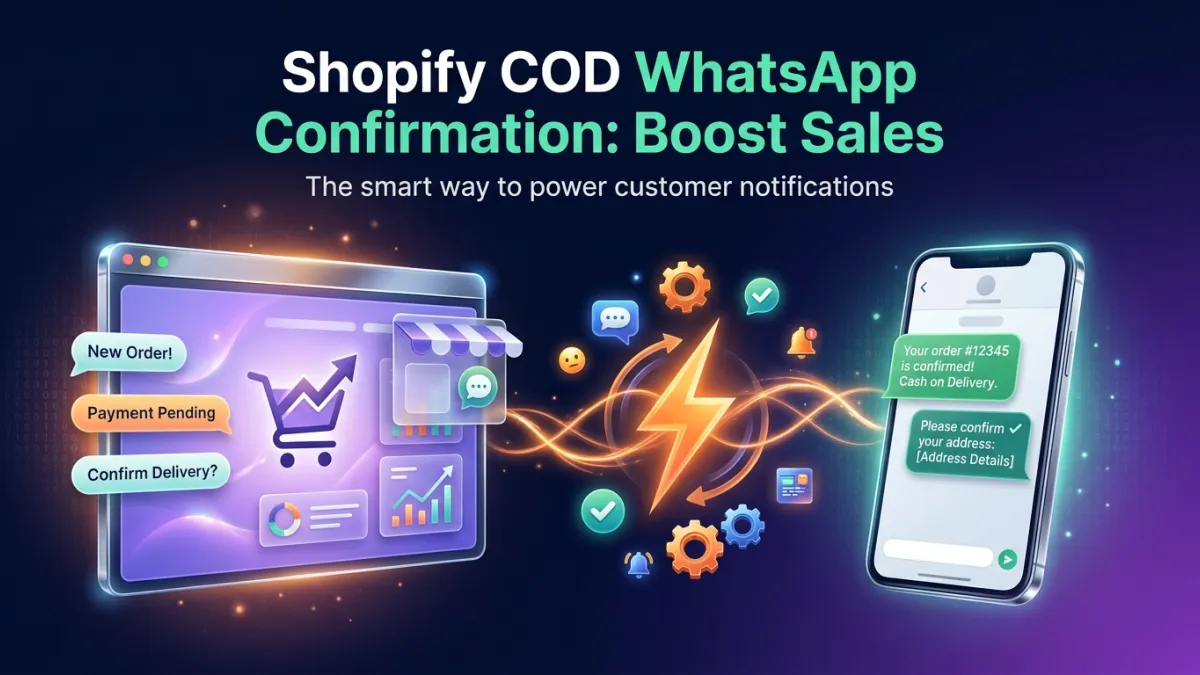
Did you know that up to 40% of Cash on Delivery (COD) orders in the MENA region might not be confirmed or received? This shocking figure isn't just a lost sales opportunity; it's also a significant operational cost burdening e-commerce stores, especially those thriving on the Shopify platform. Imagine if you could convert a large portion of these pending orders into confirmed and delivered sales, boosting your profits substantially. The secret lies in an effective strategy for Shopify COD order confirmation using the most prevalent and interactive tool in the region: WhatsApp.
The Problem of Unconfirmed Shopify COD Orders: Silent Profit Bleed
Cash on Delivery (COD) is a popular and preferred payment option for many shoppers in the MENA region, particularly in Saudi Arabia, Egypt, and the UAE. This preference stems from cultural reasons related to trust and the lack of credit card access for a segment of consumers. While this option opens the door to a broader customer base, it presents a significant challenge for e-commerce stores using Shopify: high rates of non-confirmation and returns.
When a customer places a COD order, they aren't financially committed immediately. This offers greater flexibility but increases the risk of orders not being received or being canceled at the last minute. These unconfirmed orders lead to substantial financial losses for stores, including two-way shipping costs, packaging expenses, storage costs, and the effort of customer service teams trying to reach the customer. The failure to effectively confirm Shopify COD orders is a silent profit bleed, impacting the store's overall profit margin and limiting its growth potential.
Why WhatsApp is the Ideal Solution for Shopify COD Order Confirmation?
In today's digital world, WhatsApp has become an integral part of daily life for millions in the MENA region. WhatsApp message open rates exceed 90%, significantly surpassing those of email or SMS. These statistics alone make WhatsApp an indispensable channel for any e-commerce store looking to enhance its customer communication.
WhatsApp stands out as a personal, direct, and instant communication channel. When a customer receives a message on WhatsApp, they tend to open and interact with it much faster. This characteristic makes it the perfect tool for Shopify COD order confirmation. Instead of relying on phone calls that might go unanswered, or emails that could end up in spam folders, WhatsApp ensures your message reaches the customer directly, increasing the chances of immediate interaction and order confirmation. Furthermore, utilizing the Official WhatsApp Business API allows stores to send automated, structured messages at scale, while maintaining a personal touch.
Effective Strategies for Shopify COD Order Confirmation via WhatsApp
To maximize the benefits of WhatsApp for COD order confirmation, you need to adopt well-thought-out strategies that go beyond simply sending a confirmation message. Here are some proven effective strategies:
- Automated and Instant Confirmation Messages: As soon as a customer completes an order, send an automated, instant WhatsApp message confirming their order details and requesting confirmation of receipt with a single click or by replying with "Confirm". The message can also include a link to easily modify or cancel the order if the customer changes their mind.
- Smart Reminders: If the order isn't confirmed within a specified timeframe (e.g., 30 minutes or an hour), send a gentle reminder. You can also use a smart WhatsApp bot to offer customers options, such as changing the delivery time or modifying order details, which reduces the likelihood of cancellation.
- Offer Prepayment Incentives: Encourage customers to pay upfront instead of COD by offering a small discount or a free gift. This offer can be included in the initial confirmation message, converting some COD orders to prepaid and reducing risks.
- Personalized Communication via Live Chat: If there's no interaction with automated messages, the customer service team can intervene via Live Chat to communicate personally with the customer. This helps understand and address any concerns they might have, increasing the chances of order confirmation.
- Order Status Updates: After confirming the order, continue sending automated WhatsApp updates about its status (shipped, on its way, delivery soon). This builds trust and reduces customer anxiety, making them more prepared to receive the order.
How LetsBot Platform Supports Shopify COD Order Confirmation?
LetsBot is your ideal partner for enhancing the efficiency of your Shopify e-commerce store, especially concerning Shopify COD order confirmation. As an official Meta Business Partner, we offer a comprehensive solution that connects your store to WhatsApp with ease and effectiveness.
By connecting Shopify to WhatsApp through the LetsBot platform, you can fully automate the order confirmation process. Our system sends instant confirmation messages to customers as soon as they place a Cash on Delivery order, with easy options for confirmation or modification. This significantly reduces manual effort and increases response speed.
The LetsBot platform also includes an AI WhatsApp bot that can be specifically trained to handle customer inquiries about their orders, remind them to confirm, and even offer prepayment incentives. Should a customer require additional assistance, the bot can seamlessly transfer the conversation to the customer service team via the Multi-agent inbox feature.
LetsBot also supports e-commerce stores by offering features such as abandoned cart recovery automation, sending order status notifications, and even providing OTP for identity verification via WhatsApp, ensuring a smooth and reliable customer experience. With 24/7 multilingual technical support, LetsBot guarantees your store operates at maximum efficiency.
Tips to Increase COD Order Confirmation Rates and Convert to Sales
In addition to using the right tools like LetsBot, there are several practices you can follow to maximize your COD order confirmation rates and boost your store's sales:
- Transparency in Communication: Ensure that all order details, including the total price, shipping costs, and estimated delivery time, are very clear in the confirmation message. The clearer the information, the fewer chances of confusion or cancellation.
- Offer Flexible Options: Allow customers to easily modify their orders or delivery times via WhatsApp. This flexibility increases customer satisfaction and reduces the likelihood of full cancellation.
- Build Trust: Build a strong reputation for your store through excellent customer service and quick responses. When customers trust your store, they are more willing to confirm and receive their orders.
- Regular Data Analysis: Monitor your COD order confirmation and cancellation rates. Use this data to identify patterns and continuously improve your strategies. Are certain products canceled more often? Do specific geographical areas show higher cancellation rates? Answering these questions will help you refine your strategies.
- Use an ROI Calculator: Before investing in any tool, use a WhatsApp ROI calculator to estimate the potential return on your investment. This helps you make informed decisions and highlights the true value of automating COD order confirmation.
To illustrate the difference between the two approaches, let's look at a simple comparison:
| Feature | Manual COD Confirmation (Phone, Email) | Automated COD Confirmation via WhatsApp (with LetsBot) |
|---|---|---|
| Confirmation Rate | Medium to Low (depends on customer availability) | High (due to instant interaction and direct reach) |
| Time Spent | Long (requires multiple calls, manual follow-up) | Very Short (automated and instant) |
| Cost | High (staff wages, call costs) | Low (fixed operational cost, reduced returns) |
| Customer Experience | Potentially annoying (unwanted calls) | Smooth and convenient (personal messages, quick options) |
| Scalability | Difficult (requires increased staffing) | High (can handle thousands of orders easily) |