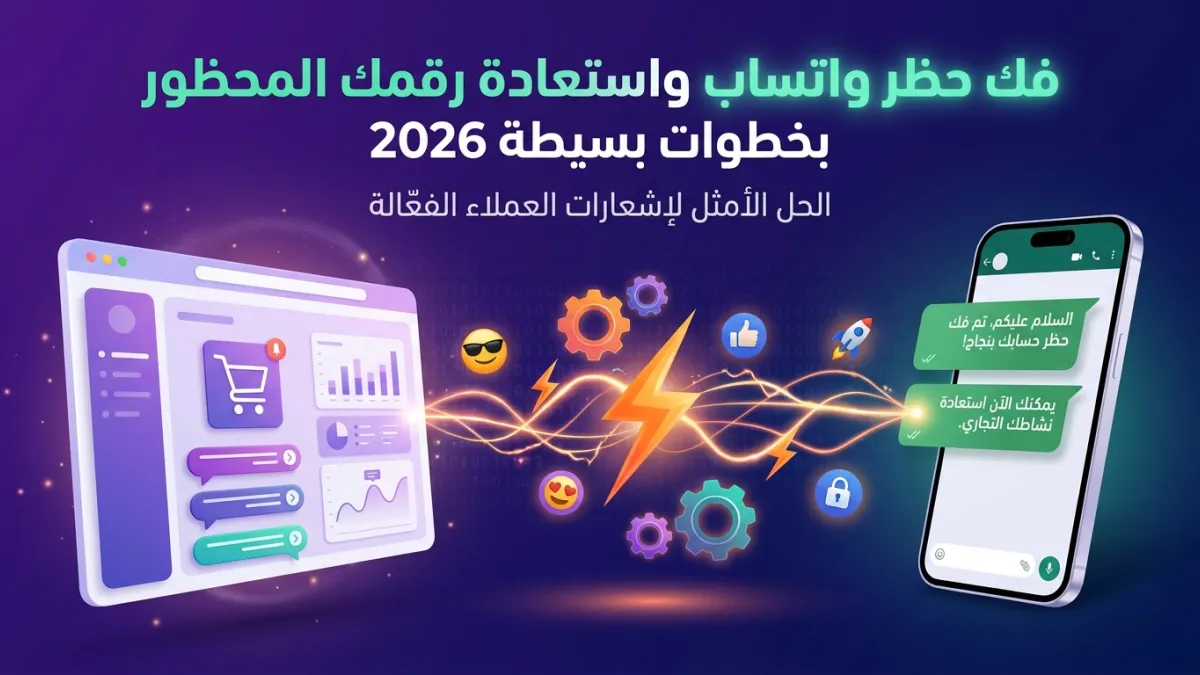
Did you ever wake up to find your business WhatsApp number banned? It's a nightmare scenario for any company that relies on the platform to communicate with its customers. No need to panic, as in most cases, you can unblock WhatsApp and restore your number. Whether you use WhatsApp Business or regular WhatsApp, understanding the reasons and correct steps is key to recovering your account. In this comprehensive guide, we'll walk you step-by-step through the process of recovering a banned WhatsApp number, and provide you with golden tips to avoid falling into this trap again, especially if you run a business and depend on WhatsApp as a vital communication channel.
Why Are WhatsApp Numbers Banned? Understanding the Reasons to Avoid Recurrence
Before we start talking about how to unblock WhatsApp, it's crucial to first understand why bans happen in the first place. Numbers are typically banned for violating WhatsApp's usage policies, which aim to protect users from spam and abusive content. The ban can be temporary or permanent, depending on the severity and recurrence of the violation.
Among the most common reasons for numbers being banned are sending a very large number of messages to people not saved in your contacts, or repeated reporting of your number by other users. Additionally, using unofficial WhatsApp applications (like WhatsApp Plus) or attempting to hack the system can lead to an immediate and permanent ban. For a deeper understanding of these reasons, we recommend reviewing Reasons for WhatsApp Business Ban and Early Warning Signs, which details the practices to avoid.
First Steps to Unblock WhatsApp: Immediate Actions
When you discover that your number has been banned, the first thing you should do is remain calm and follow these initial steps:
- Identify the Ban Type: When you try to open WhatsApp, you will receive a message informing you that your number has been banned. The message might be "Your phone number is banned from using WhatsApp. Please contact support" or "Your number is temporarily banned." A temporary ban usually means you used an unofficial app or sent too many messages in a short period, and it might be lifted after a few hours. A permanent ban, however, requires direct intervention.
- Review Terms of Service: Before taking any action, review WhatsApp's Terms of Service to ensure you understand the policies you might have violated. This will help you formulate your appeal request better.
- Remove Any Unofficial Apps: If you are using any unofficial version of WhatsApp, uninstall it immediately. Install the official WhatsApp from the app store (Google Play or Apple App Store).
After taking these initial steps, you will have prepared yourself for the most crucial step: contacting WhatsApp support to recover a banned WhatsApp number.
Contacting WhatsApp Support: The Comprehensive Guide to Lifting a Ban
To permanently unblock WhatsApp, you will need to contact the support team directly. This is the most effective way to lift the ban on your WhatsApp:
- Directly via the App: When the ban message appears, you will find a "Support Team" or "Request a review" option. Tap on it. You will be taken to a screen where you can write a message.
- Via Email: If you cannot access the support option from the app, you can send an email to support@whatsapp.com.
What to Write in Your Appeal Message?
When drafting your message, it should be clear, polite, and direct. Here's what it should include:
- Your Full Phone Number: Including the country code (e.g., +9665XXXXXXXX).
- Your Device Type: (Android or iOS).
- A Brief Explanation of the Issue: State that your number has been banned and that you believe this is a mistake (if applicable) or that you were unaware of a specific policy.
- Confirmation of Policy Adherence: Affirm that you have read and fully comply with WhatsApp's Terms of Service, and that you will not repeat any violation in the future.
- Request for Reconsideration: Conclude with a polite request to reactivate your number.
Example Appeal Message:
Hello WhatsApp Support Team,
I am writing to you regarding my phone number, +966XXXXXXXXX, which was recently banned from using WhatsApp on an Android device. I believe this may be a misunderstanding, and I would like to confirm my full commitment to WhatsApp's Terms of Service. I have reviewed the policies and pledge to adhere to them in the future.
Please reconsider my case and unblock my WhatsApp account. I rely on this number for essential communication with my clients and appreciate your assistance as soon as possible.
Thank you for your time and consideration.
WhatsApp support team typically takes a few days to respond. Be patient and avoid sending multiple messages, as this may delay the review process. If you do not receive a response within 24-48 hours, you may follow up with a polite reminder message.
Protecting Your Number from Future Bans: Advanced LetsBot Strategies
Once you are able to unblock WhatsApp and restore your number, the ultimate goal becomes ensuring this annoying scenario doesn't recur. For businesses, a ban is a real disaster, disrupting vital communication channels with customers. This is where professional solutions like WhatsApp Anti-Ban Guide offered by platforms like LetsBot, an official Meta Partner, come into play.
Transitioning to the Official WhatsApp Business API is the wisest step for businesses looking to use WhatsApp at scale without worrying about bans. The official API ensures full compliance with WhatsApp's policies because it's specifically designed for commercial use, unlike the regular WhatsApp Business app which has stricter limitations on volume and messaging.
LetsBot offers a range of features that help businesses comply with WhatsApp policies and avoid bans, while enhancing communication efficiency:
- Compliant Bulk Messaging: LetsBot allows you to send large-scale bulk messaging campaigns securely and in compliance with WhatsApp policies, using pre-approved message templates from Meta. This significantly reduces the risk of your number being reported.
- Efficient Conversation Management: Through a multi-agent live chat inbox, your team can effectively manage a large volume of conversations, ensuring quick responses and reducing the need for repetitive messages that might be considered spam.
- AI-Powered Chatbots: Specially trained WhatsApp bots can handle repetitive inquiries and provide 24/7 support, reducing the workload on human agents and ensuring a smooth and satisfactory customer experience.
- Business System Integrations: Whether you use Salla, Zid, WooCommerce, Magento, HubSpot, or Pipedrive, LetsBot provides seamless integrations to automate order status notifications, abandoned cart recovery, and OTP confirmations, all within the official WhatsApp framework.
- Specialized Technical Support: As a Meta Business Partner, we provide 24/7 technical support in Arabic, to help you understand best practices and ensure the smooth operation of your services.
When is Switching to WhatsApp Business API the Optimal Solution?
If you manage a small, medium, or even a large enterprise, and heavily rely on WhatsApp for marketing, sales, or customer service, the risk of a recurring ban poses a real threat to your business growth. Transitioning to the Official WhatsApp Business API through a platform like LetsBot is not just a preventive measure; it's a strategic investment that opens new horizons for you:
- Unlimited Scalability: There are no limits on the number of messages you can send (as long as they comply with policies) or the number of customers you can serve.
- Smart Automation: The ability to automate responses, order notifications, abandoned cart recovery messages, and even integrate an AI WhatsApp bot to provide instant and personalized support.
- Performance Analytics: Access to detailed dashboards and analytics for your campaign and message performance, helping you continuously optimize your communication strategies.
- Reliability and Security: Using a Meta-approved platform ensures the highest levels of security and reliability, adhering to regional and international standards such as GDPR, CITC, TDRA, and others.
In conclusion, while the process of unblocking WhatsApp can be stressful and frustrating, it's an opportunity to re-evaluate your communication strategy. Invest in official and professional WhatsApp solutions to ensure business continuity and provide the best customer experience without any interruptions.