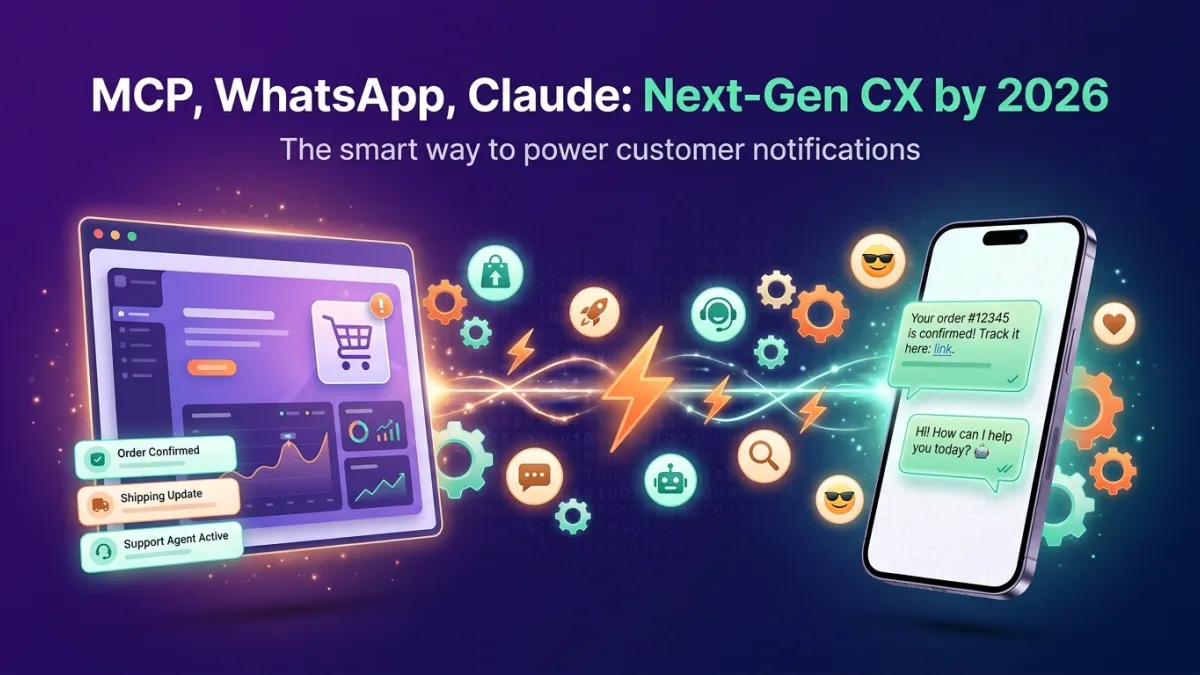
Claude can read your WhatsApp conversations, summarise them and send replies. It just needs a bridge, because Anthropic does not ship a built-in WhatsApp integration. This guide compares the five bridges people use in 2026, explains which ones use the official WhatsApp Business API and which ones can get a number banned, and walks through the fastest setup.
Can Claude connect to WhatsApp?
Yes. Claude connects to outside apps through the Model Context Protocol (MCP), an open standard that lets an AI assistant call tools on another service. A WhatsApp MCP server exposes tools such as "list conversations", "send a message" or "summarise unanswered chats", and Claude calls them when you ask in plain language.
What matters is which WhatsApp account sits behind the server:
- WhatsApp Business API (official): messages go through Meta's official platform, with a verified business number. Safe for customer messaging at scale.
- WhatsApp Web (unofficial): the server pretends to be a linked device of your personal or business app. It works for personal use, but it breaks WhatsApp's terms and numbers that send in volume get banned.
The 5 ways to connect WhatsApp to Claude
| Method | Who it suits | WhatsApp account | Setup | Ban risk |
|---|---|---|---|---|
| 1. Official connector in the Claude directory | Businesses | Business API (official) | Minutes, no code | None from the method itself |
| 2. Business API + MCP server in any MCP client | Teams using Claude Desktop, Cursor, ChatGPT | Business API (official) | Minutes | None from the method itself |
| 3. Open-source WhatsApp Web MCP servers | Developers, personal use | WhatsApp Web (unofficial) | Clone, build, scan QR | High |
| 4. Automation platforms (Zapier, n8n, Make) | Fixed workflows | Usually Business API | Build each workflow | Low |
| 5. Claude Code channel plugins | Developers who want to run Claude Code from their phone | WhatsApp Web (unofficial) | Terminal setup | High |
1. The official connector in the Claude directory (recommended for businesses)
Claude has a connector directory of vetted MCP servers. LetsBot is listed there as a WhatsApp Business connector. You add it in one click, sign in with OAuth, and Claude can then work with your own WhatsApp Business number:
- "Summarise today's chats that are still waiting for a reply."
- "Which customers sound frustrated this week?"
- "Send Sara the tracking link for order 1042."
- "How did last week's campaign perform?"
The connector exposes more than 120 tools: messages of every type, contacts and labels, campaigns, abandoned carts, team performance, templates and reports. Access is scoped to your own account and you can revoke it at any time.
Setup in four steps:
- Connect your WhatsApp Business number to LetsBot (official API, LetsBot is a Meta Business Partner).
- Inside Claude, open Settings → Connectors, search for LetsBot and add it.
- Approve the OAuth sign-in with your LetsBot account.
- Ask Claude in English, Arabic or any other language.
The connector is part of the API + MCP add-on ($69.99 per month, VAT included) and works during the 14-day free trial.
2. The same MCP server in Claude Desktop, Cursor or ChatGPT
The LetsBot MCP server is a standard MCP endpoint, so the same account and the same tools work in Claude Desktop, Claude Code, Cursor, ChatGPT and any other MCP-compatible client. Use this when your team works in several AI tools and wants one WhatsApp source of truth. See the WhatsApp MCP server page for the endpoint and client setup.
3. Open-source WhatsApp Web MCP servers
Several open-source projects connect Claude to WhatsApp by logging in as a linked WhatsApp Web device. They are free and good for experimenting with your personal chats, but:
- they are not approved by WhatsApp and break its terms of service;
- numbers that send messages in volume through them get restricted or banned;
- they need a computer running all the time, and they break when WhatsApp changes its web client;
- there are no templates, no business verification and no delivery guarantees.
Do not use them on a number your customers depend on. If your number is already restricted, see how to protect a WhatsApp number from bans.
4. Automation platforms (Zapier, n8n, Make)
Automation platforms can pass a WhatsApp message to Claude and send Claude's answer back. They suit one fixed workflow, such as auto-classifying incoming leads. They are not conversational: you build each flow in advance, and Claude cannot browse your chat history or act on a new request. LetsBot also connects to these platforms if you need both.
5. Claude Code channel plugins
Developers use WhatsApp as a remote control for Claude Code: you message yourself, and Claude Code runs the task on your computer. This is a developer productivity trick, not customer messaging, and the plugins log in through WhatsApp Web, so the same ban risk applies.
Official API or WhatsApp Web: which should you choose?
Choose the official WhatsApp Business API if you message customers, need more than one team member, or cannot afford to lose the number. Choose a WhatsApp Web server only for personal experiments on a number you can afford to lose.
What does it cost?
- Claude: a Claude plan that supports connectors.
- LetsBot: any base plan plus the API + MCP add-on ($69.99/month, VAT included). Free for 14 days on the trial.
- Meta: WhatsApp Business API conversations are billed by Meta per message category. See WhatsApp API pricing 2026.