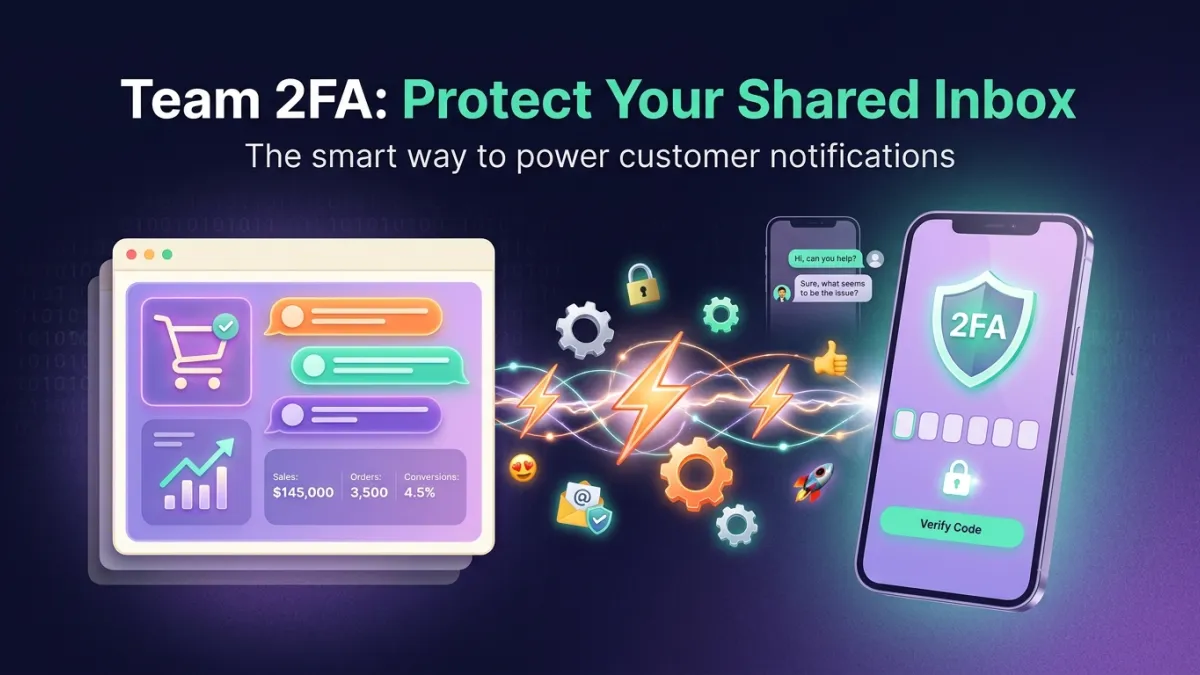
Imagine a former employee, or even a malicious actor, gaining access to your customer service inbox. It's not just about reading private conversations; it's about the potential for sensitive customer data breaches, sending unauthorized messages, or damaging your brand's reputation. The stakes are incredibly high when your business relies on digital communication, and without robust safeguards, your entire customer interaction system is vulnerable. This is precisely why **Two-Factor Authentication (2FA) for teams** is no longer an optional add-on, but a fundamental pillar of modern business security.
Why Two-Factor Authentication for Teams is a Necessity, Not a Luxury
In today's fast-paced digital world, shared customer service inboxes have become the pulsating heart of customer interaction. Through them, customer inquiries, complaints, and even personal and financial information flow. With this continuous data flow, the risk of unauthorized access significantly increases. Without an additional layer of protection, a single username and password could be all a hacker needs to access a treasure trove of sensitive information.
The absence of **Two-Factor Authentication (2FA) for teams** opens the door to numerous security threats. This can lead to compromised customer service accounts, identity theft, financial fraud, and even customer manipulation. The damage isn't limited to data loss; it extends to eroding customer trust, harming reputation, and potential legal consequences due to non-compliance with data protection standards like GDPR and regional regulations in the Middle East and North Africa (MENA) such as CITC, TDRA, NTRA, and others.
Therefore, adopting **Two-Factor Authentication (2FA) for teams** is not merely an additional security measure, but a vital investment in your business continuity and customer safety. It represents the first line of defense against breach attempts, ensuring that access to the shared inbox is restricted solely to authorized individuals after verifying their identity through two separate steps, significantly enhancing **account security** and protecting against unauthorized access.
How Does Two-Factor Authentication Protect Your Shared Inbox?
**Two-Factor Authentication (2FA) for teams** works by adding a second layer of security beyond just a username and password. Even if someone manages to discover the initial credentials, they will still need the second verification step to log in. This second step could be a code sent to the employee's phone, a fingerprint scan, or even a physical security key, making the hacking process significantly more complex and difficult.
In a multi-agent work environment, where numerous employees handle a single shared inbox, **two-step verification** becomes absolutely essential. Each employee must have a unique method for identity verification, reducing potential vulnerabilities. For instance, on the LetsChat platform, 2FA is applied to each individual employee account, ensuring that access to shared conversations across WhatsApp, Instagram, Messenger, and Telegram is completely secure.
LetsChat's account security features, detailed at LetsChat Account Security, include numerous controls that support **Two-Factor Authentication (2FA) for teams**, such as automatic session logout after a certain period and IP address restrictions for team logins. These features, combined with 2FA, create an exceptionally secure environment for the shared inbox, protecting customer data from unauthorized access. All these measures are an integral part of the complete LetsChat platform, which aims to provide a secure and efficient work environment.
Advanced Security Features in LetsChat to Protect Your Data
LetsChat's commitment to security isn't limited to **Two-Factor Authentication (2FA) for teams**; it extends to a comprehensive suite of features designed to protect your data and ensure compliance. We understand that information security is the cornerstone of building trust with your customers and maintaining your business's reputation. Therefore, we've integrated advanced security controls that operate on multiple levels.
Among these features is a tamper-proof security activity log, which provides you with clear visibility into all actions taken within your account, enabling you to track any suspicious activity. Additionally, IP restrictions on team logins ensure that access to employee accounts is only available from specified and trusted geographical locations, significantly reducing the risk of breaches from unknown sources.
LetsChat also adheres to the highest standards of regulatory compliance, including GDPR and regional regulations such as CITC in Saudi Arabia, TDRA in the UAE, NTRA in Egypt, CITRA in Kuwait, CRA in Qatar, and TRA in Bahrain. This commitment ensures that your data is processed and stored according to the strictest requirements, providing you with peace of mind. As an official Meta Business Partner, we adhere to Meta's stringent security standards, further enhancing the layers of protection available to our customers. We also offer 24/7 multi-language support to ensure you receive assistance whenever you need it, including any security-related inquiries.
Seamless and Secure Integration with Multiple Communication Channels
The importance of **Two-Factor Authentication (2FA) for teams** extends beyond the shared inbox itself to encompass all communication channels integrated by the LetsChat platform. Whether you're interacting with customers via WhatsApp, Instagram Direct Messages, Facebook Messenger, or even WhatsApp voice calls, all these interactions are protected with the same high level of security. This seamless and secure integration ensures that customer data remains protected regardless of the channel they choose for communication.
The LetsChat platform is designed to unify all your customer conversations in one place, meaning that **protecting customer service accounts** isn't limited to a single channel. For instance, WhatsApp messages conducted via the Official WhatsApp Business API, which is inherently a secure channel, benefit from an additional layer of security when accessed through the 2FA-protected shared inbox.
Whether your team is responding to customer inquiries via Telegram Bot, managing bulk messaging campaigns, or utilizing a smart WhatsApp bot built with a drag-and-drop bot builder, all these activities take place within a secure environment. This comprehensive approach to security ensures that every touchpoint between your business and your customers maintains data privacy and integrity, fostering trust and loyalty.
Choosing the Right Partner: Why LetsChat is Your Best Choice?
When it comes to protecting your customer data and brand reputation, choosing the right technology partner is paramount. LetsChat doesn't just offer messaging tools; it provides a complete ecosystem designed with security and compliance at the core of every feature. We understand the unique challenges faced by businesses in the Middle East and North Africa region, and therefore, we've precisely designed our solutions to meet these needs.
Our commitment to security is embodied by our status as a certified Meta Business Partner, affirming our adherence to the highest industry standards. Furthermore, our compliance with stringent local and international regulations ensures that your business operates within a secure legal framework. By providing **Two-Factor Authentication (2FA) for teams** and other security controls like IP restrictions and activity logs, we equip you with the necessary tools to enhance **account security** like never before.
Beyond security, LetsChat offers a wide array of features that boost your team's efficiency and your customers' experience, such as integrations with e-commerce platforms (Salla, Zid, WooCommerce, Magento), CRM systems (HubSpot, Pipedrive), and payment processors (Stripe, PayTabs). All these features operate within a protected environment, ensuring that your business growth doesn't come at the expense of your data security. With LetsChat, you're not just choosing a platform; you're choosing a reliable partner that guarantees security, efficiency, and compliance.