

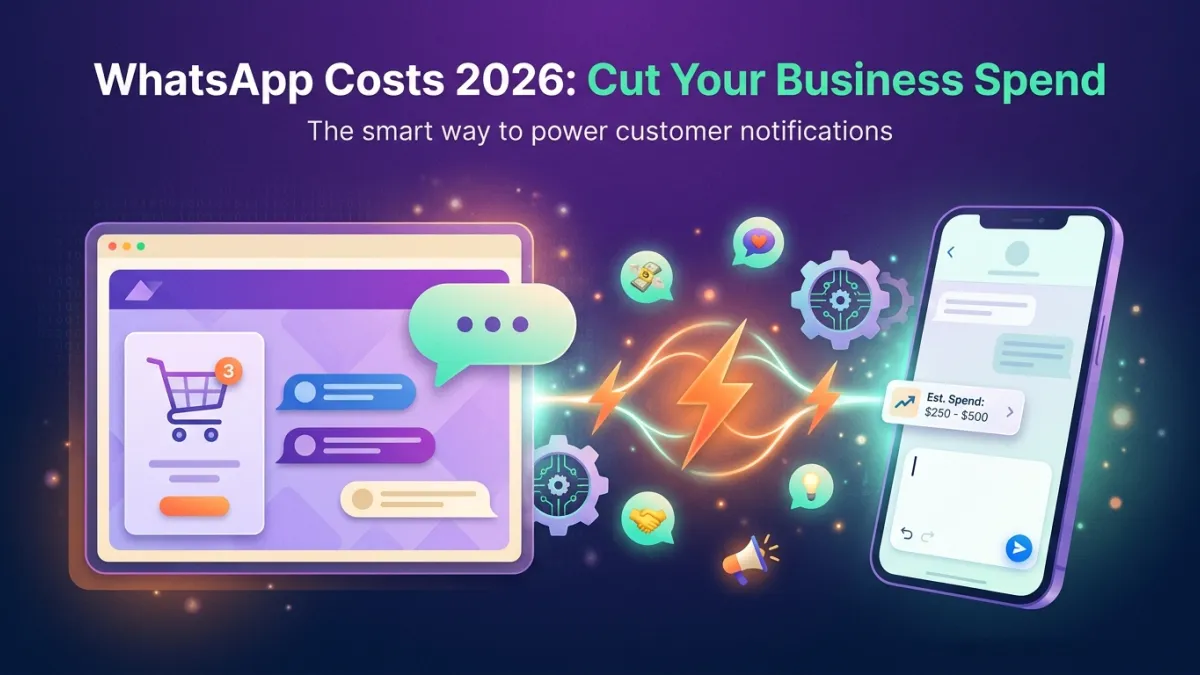
Can you imagine that a single wrong or unnecessary message could cost your e-commerce store hundreds of Riyals or Dirhams monthly? With the new changes in the WhatsApp Business API pricing model, effective October 1, 2026, managing WhatsApp message costs has become more critical than ever, especially for e-commerce stores heavily reliant on customer communication. It's no longer just about sending messages; it's about smart budget management and ensuring every message delivers real value.
Understanding the New WhatsApp Message Cost Model in 2026
Starting October 1, 2026, WhatsApp pricing 2026 will see a fundamental change in how costs are calculated. Meta bills per message in four categories: marketing, utility, authentication and service — and from this date service replies are billed too. This means every message you send has a cost (incoming messages are free, and the first 1,000 service messages per official WhatsApp number each month are free). This places an additional burden on e-commerce stores that send a high volume of service messages, such as order updates or responses to customer inquiries.
One crucial aspect to consider is the 24-hour window. After 24 hours from the last customer message, free-form text messages cannot be sent; instead, pre-approved message templates must be used. These templates are billed by their own category (marketing, utility or authentication). This necessitates a swift and efficient communication strategy to avoid falling outside this window and paying for templates that could have been free messages within the window.
For more details on the new pricing, you can review WhatsApp API Pricing from October 1, 2026.
Common Cost Traps for E-commerce Stores and How to Avoid Them
E-commerce stores face unique challenges when it comes to managing WhatsApp message costs. Expenses can quickly accumulate through scenarios that initially seem simple:
- Abandoned Shopping Carts: Sending multiple reminder messages for an abandoned cart can be effective, but also costly. Each reminder message is a paid marketing message, and if not targeted or valuable, it could drain your budget.
- Order Status Updates: Sending automated updates for every stage of an order (received, processing, shipped, delivered) can lead to a huge number of paid utility messages, especially if your store handles thousands of orders monthly.
- Repetitive Customer Inquiries: Customers often ask the same questions repeatedly. Manually responding to every inquiry consumes support team time and results in paid service messages.
- Ineffective Communication: Lengthy support messages that require multiple exchanges between the customer and agent due to unclear information increase the number of paid messages in a single conversation.
To avoid these traps, e-commerce stores must adopt a proactive and smart approach to communication. It's not about limiting communication, but optimizing it to be more efficient and cost-effective.
LetsBot's Smart Tools for Controlling WhatsApp Message Costs
LetsBot understands the importance of cost management for e-commerce stores and has developed a suite of WhatsApp message cost control tools specifically designed to help you stay within your budget. These tools, optionally activated by the workspace owner, provide you with unprecedented visibility and flexibility:
- Estimated Cost Slice: This slice shows an estimated message cost directly before sending. It acts as a visual warning, giving you the opportunity to make an informed decision about sending the message or modifying it to reduce costs.
- Undo or Merge Messages: If you send a wrong message or decide to combine two short messages into one to save costs, you can undo or merge the message as long as it is still in the queue and has not yet been sent. This feature prevents costly mistakes.
- Bulk Send Confirmation: When sending group or multiple messages, the platform requests additional confirmation. This ensures you don't accidentally send a large number of paid messages unintentionally.
- AI Response Budget: You can set a monthly budget for AI responses. You get an alert as AI replies approach this budget, so you can decide whether to keep the bot answering or hand chats to your team.
- Monthly Budget Alert: Set a maximum monthly WhatsApp budget. You'll receive an alert when you approach this limit, giving you enough time to re-evaluate or adjust your strategy before exceeding the set budget.
It's important to remember that these tools provide estimates and alerts only; they do not prevent messages from being sent or block agents, bots, or campaigns from working. They are assistive tools to empower you to make better financial decisions. To learn more about these tools, you can visit the WhatsApp Message Cost Reduction Tools page.
Comprehensive Strategies to Reduce WhatsApp Costs for Your E-commerce Store
In addition to direct cost control tools, LetsBot offers integrated solutions that help e-commerce stores proactively and effectively reduce WhatsApp costs:
- AI WhatsApp Bot: LetsBot's AI-powered WhatsApp bot can answer repetitive customer inquiries instantly — in one complete reply, which keeps the number of billed messages down (bot replies are billed like any other message). This significantly reduces the need for human agent intervention, thereby decreasing the number of paid service messages. The bot can answer questions about order status, product details, return policies, and much more, saving time and money. You can learn more in the AI WhatsApp Bot Guide 2026.
- Drag-and-Drop Bot Builder: Using the intuitive bot builder, you can easily design complex conversation flows without any coding. AI can even draft the initial flow from a plain language description. This ensures that bot interactions are efficient and targeted, reducing unnecessary messages and guiding customers to answers quickly.
- Professional Bulk Sending Campaigns (Campaigns Pro): To optimize your marketing campaigns, Campaigns Pro allows you to conduct A/B tests with 2–4 message variants (requires the Send Bulk add-on; every run is billed as marketing messages) and retarget customers based on their message read, response, or link clicks. This means you only send the most effective messages, increasing conversion rates and reducing wasted marketing messages.
- E-commerce Integrations: With integrations like Salla, Zid, WooCommerce, and Magento, LetsBot can intelligently automate order status notifications. Instead of sending multiple messages for each update, you can specify the most important messages and send them at the right time, or combine updates into one comprehensive message, thereby reducing the total WhatsApp message cost.
- Customer Satisfaction Surveys (CSAT & NPS): After a conversation ends, LetsBot can send CSAT and NPS surveys (if activated). These surveys help you understand and improve customer service quality, reducing the need for repeated communication due to unresolved issues, and thus lowering future service messages.
- Smart Conversation Routing: The sections and conversation routing feature allows you to direct customer inquiries to the appropriate agent or department directly. This reduces the time taken to resolve issues and prevents conversations from being transferred between multiple agents, thereby reducing the number of messages in each interaction.