Imagine this scenario: Your customer enthusiastically browses your e-commerce store in the UAE, adds several products to their shopping cart, completes the payment, and then receives an email hours or even the next day informing them that one of the ordered products is out of stock. How do they feel? Frustration often takes over, potentially leading to the cancellation of the entire order and the loss of a customer. This isn't just an isolated issue; it's a significant obstacle facing e-commerce businesses, and it can be effectively resolved through smart management using the Official WhatsApp Business API. This is where WhatsApp Inventory steps in as a revolutionary solution.
WhatsApp Inventory is not just an additional feature; it's an integrated strategy for connecting inventory management with the region's most widely used communication platform. In this comprehensive guide, we'll explore how this powerful tool can transform your operations, from minimizing errors to boosting customer satisfaction, and how you can leverage it to achieve maximum efficiency and profitability in your e-commerce business.
What is WhatsApp Inventory and Why is it Essential for Your E-commerce Store?
The concept of WhatsApp Inventory refers to using the WhatsApp Business Platform (via API) to streamline and automate inventory management operations and communicate with customers regarding product availability. Instead of relying on complex internal systems or slow manual updates, WhatsApp Inventory allows you to automate inventory-related notifications and inquiries, ensuring your customers are always informed and up-to-date.
In the fast-paced world of e-commerce, especially in the competitive UAE market, effective inventory management is a cornerstone of success. Poor inventory management can lead to significant losses, whether due to popular products running out of stock (meaning lost sales) or slow-moving inventory piling up (increasing storage costs). WhatsApp Inventory offers a practical solution to these challenges, making it an absolute necessity for your e-commerce store.
Traditional Inventory Management Challenges and How WhatsApp Addresses Them
Many e-commerce companies, especially startups, face significant difficulties in managing their inventory. These challenges extend beyond logistics to encompass customer experience and brand reputation. Here are the most prominent challenges and how WhatsApp can be part of the solution:
- Slow Manual Updates: Relying on manual inventory updates leads to human errors and delays, which can result in selling unavailable products or vice versa.
- Lack of Customer Transparency: Customers often have to wait to find out about inventory status or their orders, leading to frustration and reduced loyalty.
- High Abandoned Cart Rates: When a customer is unsure about product availability or doesn't receive immediate confirmation, they might abandon their shopping cart, a problem that costs e-commerce billions of dollars annually.
- Difficulty Tracking Shipments: After purchase, customers want to easily track their orders. Traditional systems are often complex and require them to visit multiple websites.
- Inventory Overstock or Stockouts: A lack of clear visibility into inventory movement leads either to unsold products piling up or highly demanded products running out of stock, both of which are costly.
This is where WhatsApp steps in as an instant and personal communication channel. By integrating inventory management with WhatsApp, you can transform these challenges into opportunities. Updates can be sent automatically, customers can inquire directly, and abandoned carts can be intelligently recovered. It's not just a messaging app; it's a strategic tool for enhancing efficiency and customer satisfaction.
How WhatsApp Transforms Your Inventory Management and Enhances Customer Experience
With a platform like LetsBot, WhatsApp Inventory becomes a driving force for your e-commerce store. This platform allows you to leverage the WhatsApp Business API to manage your inventory intelligently and interactively, leading to tangible improvements in operations and customer experience.
Automated and Instant Inventory Notifications
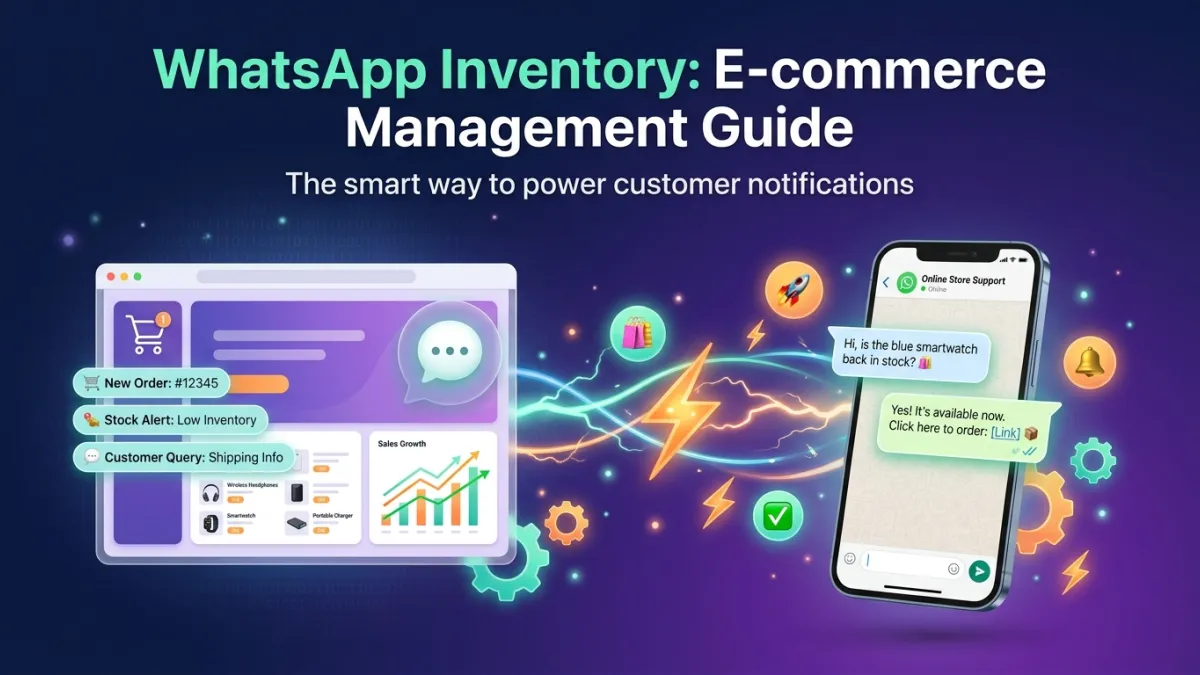
Imagine one of your best-selling products is about to run out of stock. Instead of discovering it too late, WhatsApp can send you an automated notification alerting you to restock. More importantly, interested customers can receive instant WhatsApp notifications as soon as a product is back in stock, turning waiting into a confirmed sales opportunity. This proactive communication boosts customer loyalty and ensures no opportunities are missed.
Smart Abandoned Cart Recovery
Abandoned shopping carts are a nightmare for any e-commerce store. But with WhatsApp, you can turn this challenge into an opportunity. LetsBot can set up automation to send gentle WhatsApp reminder messages to customers who have left items in their carts, with the option to display specific products and offer simple incentives like free shipping or a limited discount if they complete the purchase. These personalized and direct messages are far more effective than emails, which are often overlooked.
Order Status Updates and Shipment Tracking
After completing a purchase, customers want to know every step their order goes through. With LetsBot, you can automate sending instant WhatsApp updates about the order status: "Your order has been confirmed," "Your order has been shipped," "Your order is on its way," and even "Your order has been delivered." These messages can include direct tracking links, which reduces repetitive customer inquiries and significantly improves their experience. This feature not only reduces pressure on the customer support team but also increases customer trust and satisfaction.
Live Chat for Instant Inquiries
A customer might have a specific question about product availability, or details about the stock of a particular color or size. Instead of searching the website or waiting for an email response, they can use WhatsApp live chat to get instant answers. The LetsBot platform provides a multi-agent inbox that allows your team to handle these inquiries efficiently, ensuring that the WhatsApp Live Chat Guide is the optimal solution for providing instant and personalized support.
Key LetsBot Features to Support WhatsApp Inventory in Your E-commerce Business
LetsBot offers a comprehensive suite of features specifically designed to empower businesses in the MENA region to maximize their utilization of WhatsApp Inventory. These features go beyond mere message sending, extending to process automation and performance analytics.
- Powerful E-commerce Integrations: LetsBot seamlessly integrates with leading e-commerce platforms in the region and globally, such as Salla, Zid, WooCommerce, and Magento. This integration means inventory data is automatically updated between your store and WhatsApp, eliminating the need for manual updates and ensuring data accuracy.
- Automated Abandoned Cart Recovery: LetsBot can track incomplete shopping carts and send personalized reminder messages via WhatsApp, including details of the abandoned products and direct links to complete the purchase. This automation significantly increases conversion rates.
- Automated Order Status Notifications: From order confirmation to delivery, LetsBot can send automated updates to customers via WhatsApp, keeping them informed and reducing customer service inquiries.
- Multi-Agent Live Chat: The shared inbox allows multiple agents to handle customer inquiries about inventory and orders in real-time, ensuring quick and personalized responses.
- Smart WhatsApp Bot: Train your chatbot to answer frequently asked questions about product availability, prices, and order status 24/7, providing instant customer support and reducing the burden on your team.
- Targeted Bulk Messaging Campaigns: Target customers who showed interest in out-of-stock products with instant WhatsApp messages as soon as they become available, or announce special offers on excess inventory to clear it effectively.
Through these features, LetsBot not only empowers you to manage your inventory but also enables you to transform every customer interaction into an opportunity to boost sales and loyalty.
Best Practices for Successfully Implementing WhatsApp Inventory
To get the most out of WhatsApp Inventory, it's not enough to simply enable the features; a well-thought-out strategy must be implemented. Here are some best practices that will help you integrate this powerful tool into your e-commerce operations smoothly and effectively:
- Start with Seamless Integration: Ensure that the WhatsApp Business API platform you use (such as LetsBot) integrates seamlessly with your e-commerce store management system (Salla, Zid, WooCommerce, Magento). This integration is key to real-time inventory data synchronization.
- Define Essential Notification Types: Don't overdo message sending. Focus on the most crucial notifications for the customer, such as: order confirmation, shipping status updates, product availability alerts (if previously out of stock), and abandoned cart reminders.
- Personalize Your Messages: Use the customer's name and specific product details in your messages. Personalized messages are more engaging and effective. Maintain a friendly yet professional tone that reflects your brand.
- Use Chatbots Smartly: Train your complete LetsBot platform to answer frequently asked questions about product availability, delivery times, and return policies. This reduces pressure on the support team and provides instant answers to customers.
- Monitor Performance and Continuously Optimize: Track message open rates, click-through rates, and conversion rates resulting from WhatsApp campaigns. Use this data to refine your strategy, such as adjusting message timing or content.
- Comply with Regulations and Privacy: Always ensure you obtain customer consent before sending WhatsApp messages, and adhere to local and international privacy regulations such as GDPR and UAE regulatory bodies' regulations (e.g., TDRA).
By following these practices, you will not only improve your inventory management but also enhance your customer experience, boost your sales, and build stronger relationships with them.